A run, step by step
You type each command at the prompt. The mod shows where the run stands after it. The pictures are the pane’s Run tab for one spec, a profile photo upload.
-
Specify
Type
/speckit-companion-specifyand what you want to build. When the turn ends, Specify is ticked with its time, and the last line names the next command.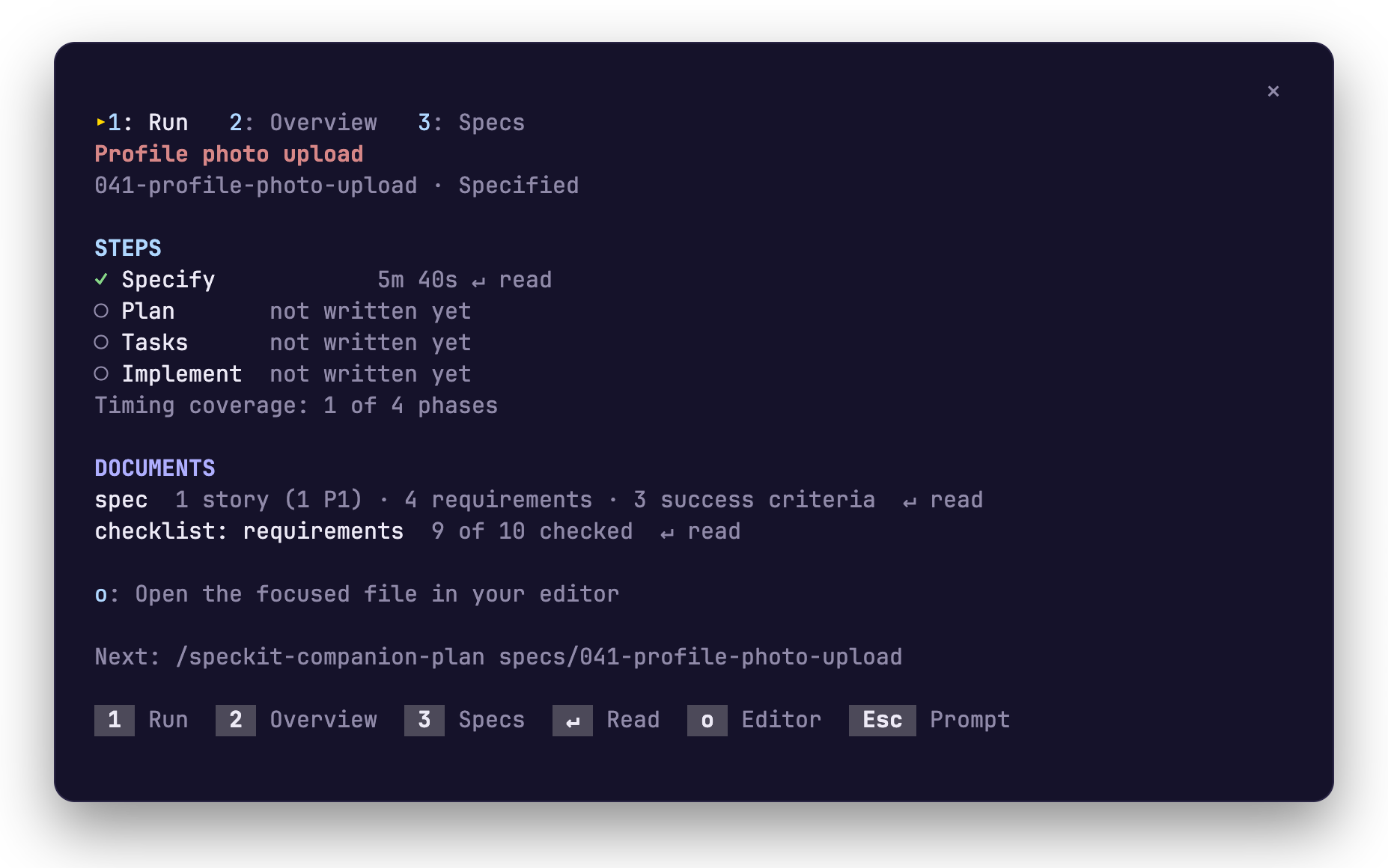
After specify: one step ticked, and the spec among the documents. -
Plan
Type
/speckit-companion-plan. Plan is ticked, and the plan, the research and the data model join the documents.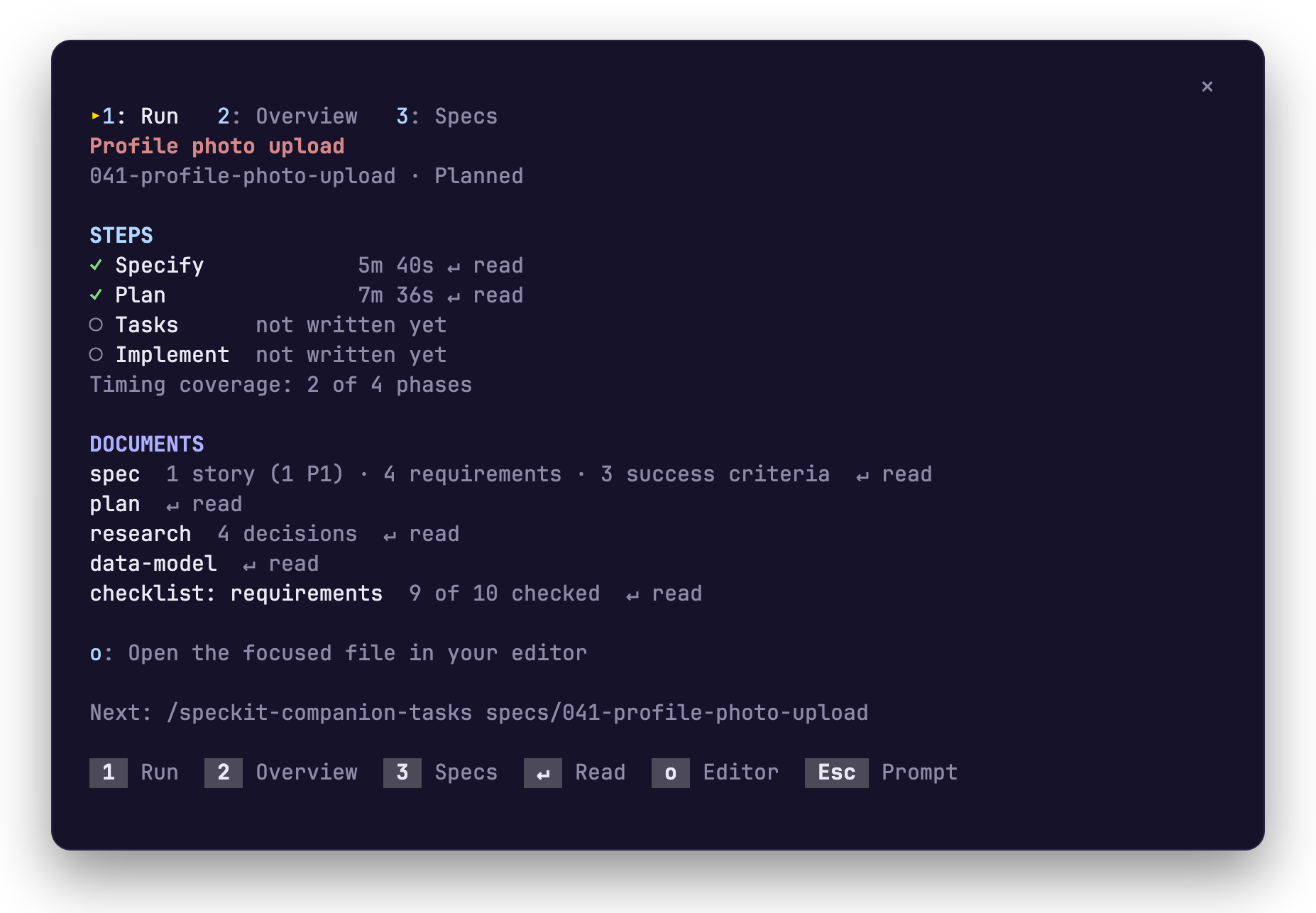
After plan: two steps ticked, and three more documents to read. -
Tasks
Type
/speckit-companion-tasks. Tasks is ticked, and the task list appears by phase with an empty bar.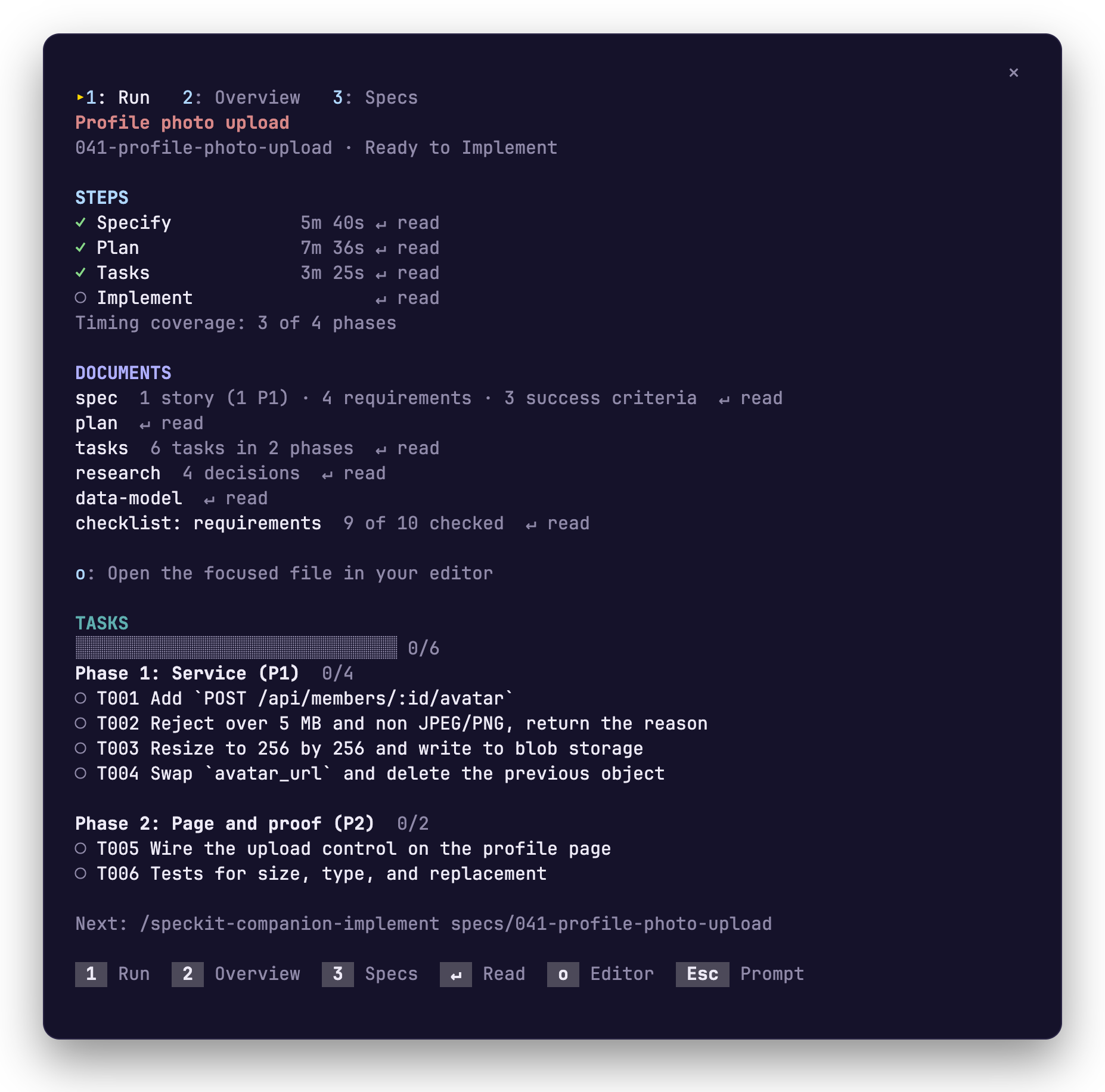
After tasks: six tasks in two phases, none ticked yet. -
Implement
Type
/speckit-companion-implement. Implement reads running, the bar fills, and each task is ticked as the agent finishes it. The band above the prompt counts along.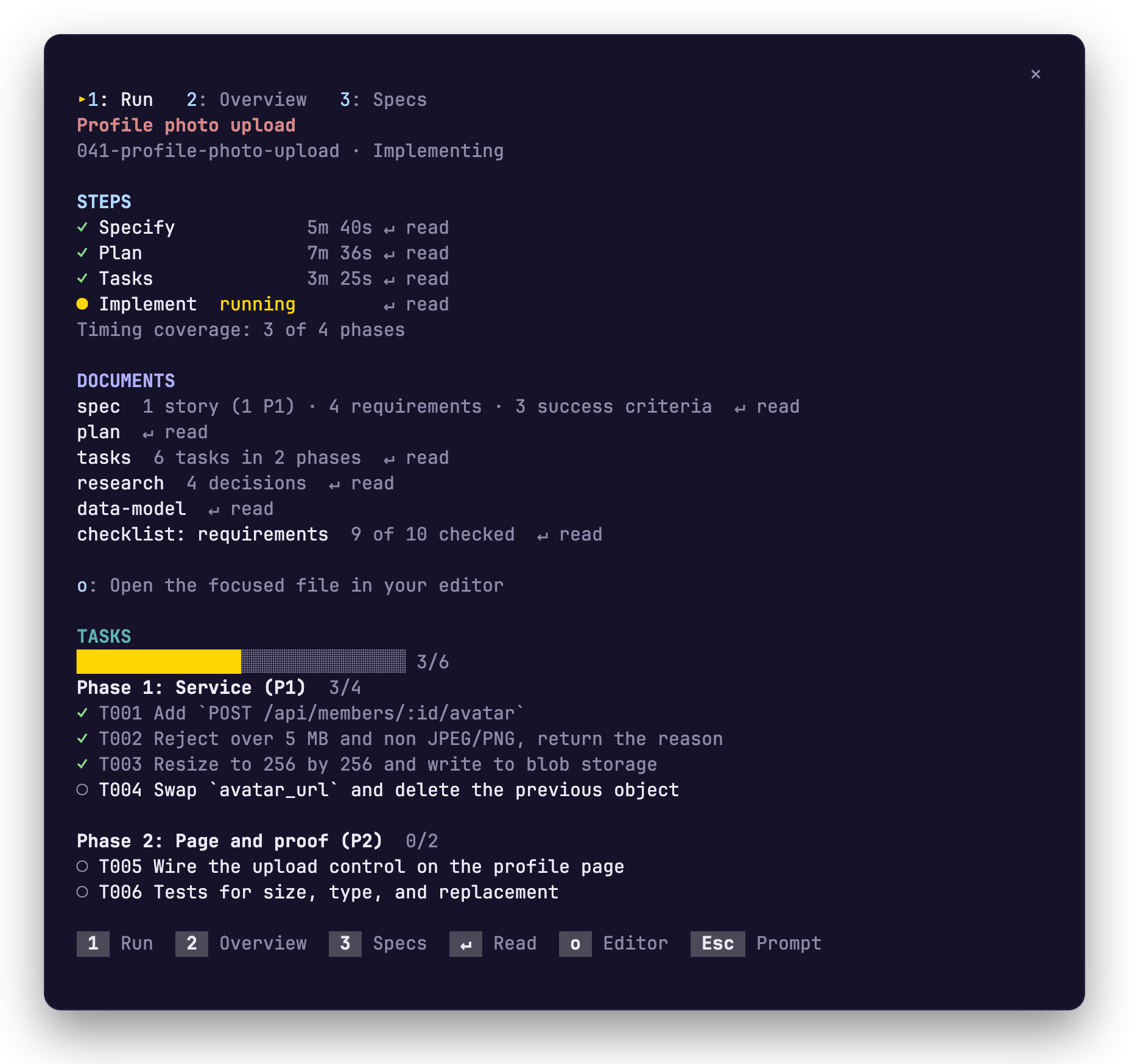
During implement: three of six tasks ticked.
On stock Spec Kit the commands are /speckit-specify, /speckit-plan, /speckit-tasks and /speckit-implement. The pane names the right one on its last line.
Related
Section titled “Related”- What it shows covers the band, the tabs and the keys.
- The steps explain what each command writes.