Configuration
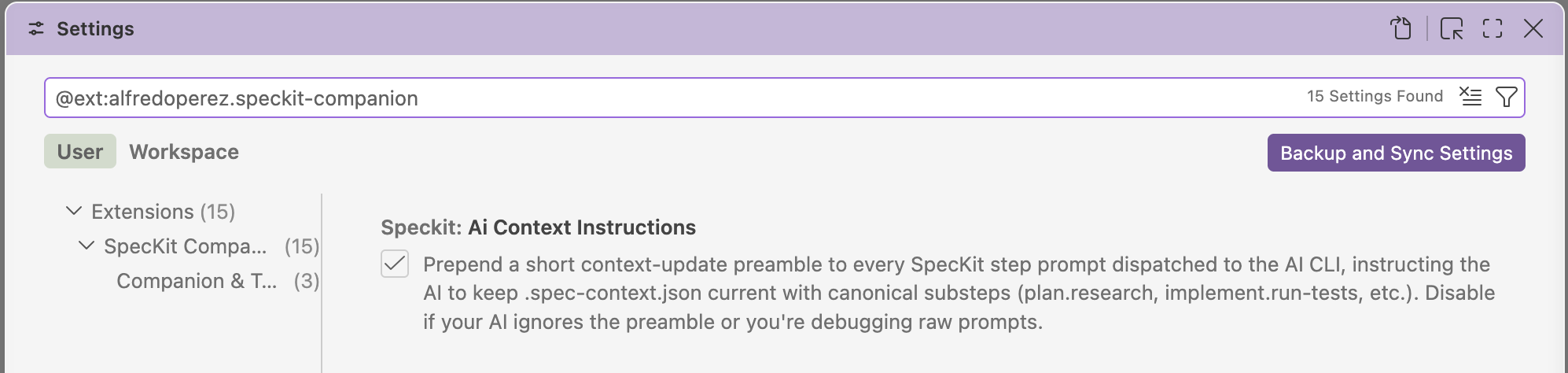
Open Settings and type @ext:alfredoperez.speckit-companion in the search box. Every setting on this page is listed there.
Choose your AI and how it runs
Section titled “Choose your AI and how it runs”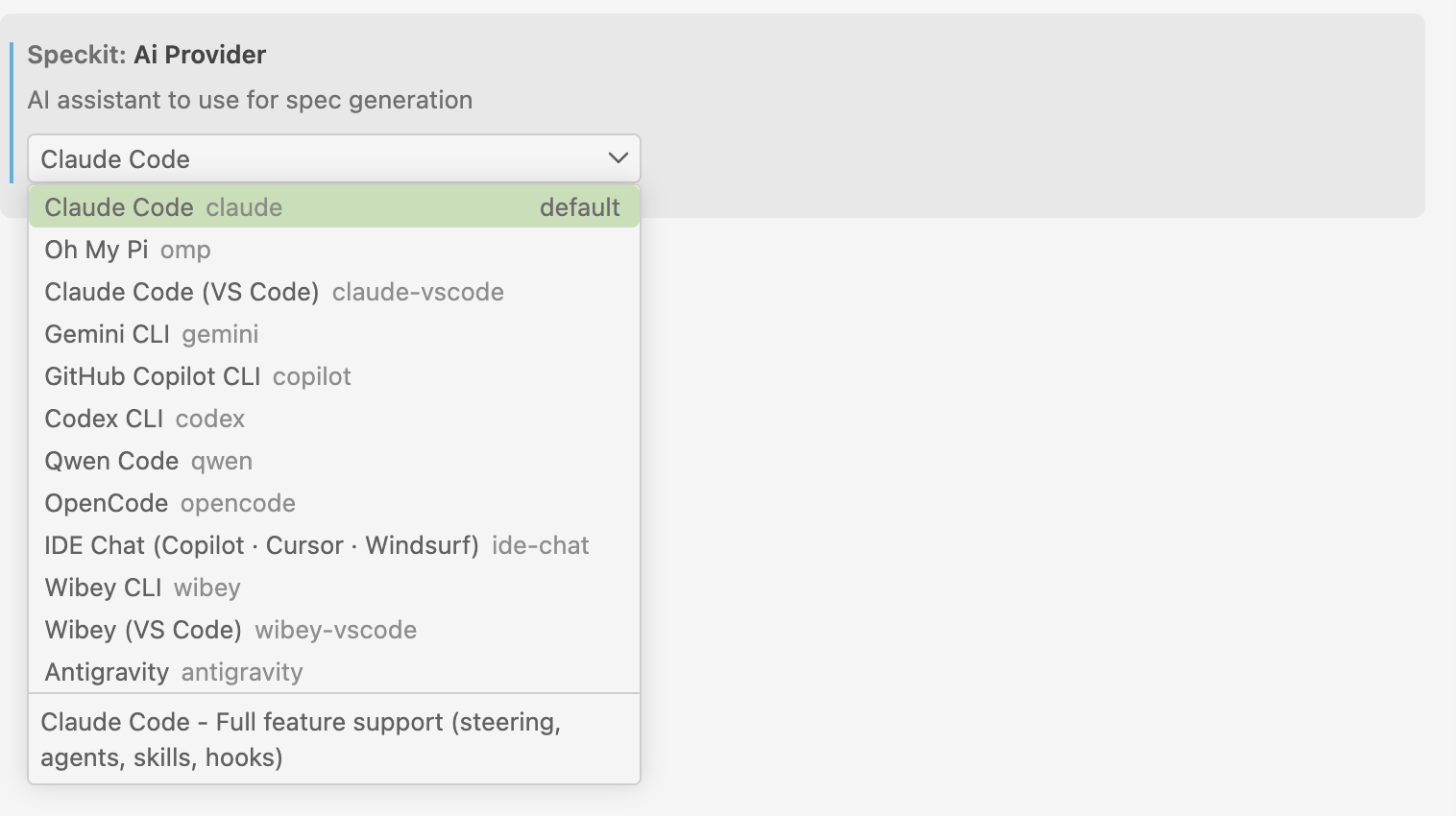
| Setting | Default | Effect |
|---|---|---|
speckit.aiProvider |
"claude" |
Which assistant gets your commands: claude, omp, claude-vscode, gemini, copilot, codex, qwen, opencode, ide-chat, wibey, wibey-vscode or antigravity. See Providers. |
speckit.permissionMode |
"interactive" |
"interactive" lets the CLI ask before acting. "auto-approve" skips prompts. |
speckit.commandFormat |
"auto" |
"auto" lets the provider decide. "dot" sends speckit.plan, "dash" sends speckit-plan. Change it only if your spec-kit version needs one. |
speckit.aiContextInstructions |
true |
Adds a short note to each command asking the assistant to record its progress, so the viewer can show finer steps. false sends the bare command. |
Permission mode
Section titled “Permission mode”Auto-approve adds --permission-mode bypassPermissions for the Claude Code CLI, --auto-approve for Oh My Pi, and --yolo for Copilot CLI and Qwen. The other assistants take no flag.
GitHub Copilot CLI always runs auto-approved, whatever this setting says, because it cannot show a permission prompt when a command is sent to it.
Choose a workflow
Section titled “Choose a workflow”| Setting | Default | Effect |
|---|---|---|
speckit.defaultWorkflow |
"speckit" |
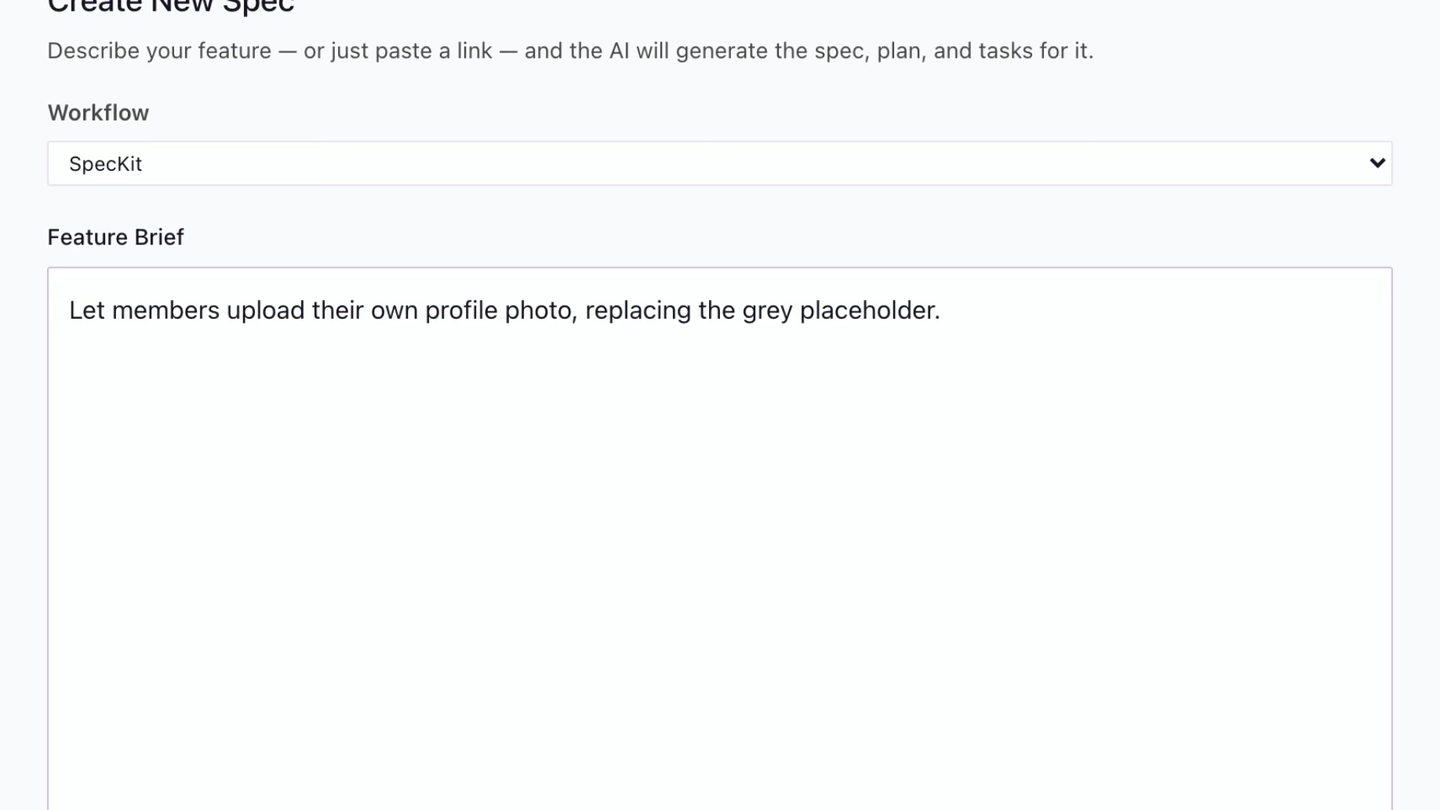
The workflow Create New Spec pre-selects: "speckit" (stock) or "companion" (needs the Companion Spec Kit extension). Only a value you set yourself is honored. Unset, installing the extension makes Companion the pre-selection. |
speckit.customWorkflows |
[] |
Your own workflows. See below. |
Spec-driven development explains the difference between the two built-ins.
Measured impact
Section titled “Measured impact”These figures come from one benchmark run (2026-06-10): the same features built through each workflow at three sizes, scored by an independent judge. Timing is one sample per cell, so read it as a direction.
| Easy / medium / hard | SpecKit | SpecKit Companion |
|---|---|---|
spec.md lines |
61 / 91 / 94 | 24 / 29 / 36 |
| Throwaway side files | 3 / 4 / 4 | 0 / 0 / 0 |
| Wall-clock | 2m05s / 4m31s / 7m38s | 3m03s / 5m03s / 5m59s |
Companion specs run about 60 to 68% leaner. Correctness tied: every cell shipped a passing build and scored 5.0 out of 5 from the judge.
Find and show specs
Section titled “Find and show specs”| Setting | Default | Effect |
|---|---|---|
speckit.specDirectories |
["specs", ".specify/specs"] |
Where specs are found. specs lists its children as specs. A trailing wildcard such as openspec/changes/* treats each match as a spec folder. apps/*/specs lists each match’s children. |
speckit.projectFolder |
"" |
In a workspace with several folders, the one Companion treats as the Spec Kit project: a folder name or its path. Empty picks the first folder with .specify/, then the first with specs/, then the first folder. Living specs in another workspace folder are not found, and one window shows one project at a time. |
speckit.views.steering.visible |
true |
Show the Steering view. |
speckit.views.settings.visible |
false |
Show the Settings view. |
speckit.notifications.stepComplete |
true |
Notify when a step or task phase completes, with an Open spec action. false silences both and keeps the viewer’s timer. |
speckit.customCommands |
[] |
Your own slash commands. See Your own workflow. |
Companion and telemetry
Section titled “Companion and telemetry”These sit under Companion & Telemetry in Settings.
| Setting | Default | Effect |
|---|---|---|
speckit.companion.installPrompt |
true |
Offers the Companion Spec Kit extension when it is missing or out of date, with banners, a status-bar warning and a notification. false hides those. The badge on the activity bar and the row in the Specs view stay. |
speckit.viewer.activityPanel |
true |
Shows each spec’s Activity timeline in the viewer: steps, decisions and files touched. Needs the Companion Spec Kit extension. |
speckit.telemetry |
true |
Anonymous usage counts. See Telemetry. |
There is no toggle for the Companion workflow itself. Once the extension is installed, the picker and Resume button are always there.
Custom workflows
Section titled “Custom workflows”A custom workflow is any set of steps that runs commands and writes markdown files. The sidebar and viewer rail adapt to whatever you declare. Your own workflow has the smallest valid example. This is the property reference.
{ "speckit.customWorkflows": [ { "name": "agent-teams-lite", "displayName": "Agent Teams Lite (SDD)", "steps": [ { "name": "specify", "label": "Spec", "command": "sdd-spec", "file": "spec.md", "subDir": "specs" }, { "name": "plan", "label": "Design", "command": "sdd-design", "file": "design.md", "includeRelatedDocs": true }, { "name": "tasks", "label": "Tasks", "command": "sdd-tasks", "file": "tasks.md" } ] } ], "speckit.specDirectories": ["specs", "openspec/changes/*"]}This one is for Agent Teams Lite.
Workflow properties
Section titled “Workflow properties”| Property | Required | Description |
|---|---|---|
name |
Yes | Identifier, recorded on each spec. |
displayName |
Yes | Label in the picker. |
steps |
Yes | The steps, in order. |
commands |
No | Extra buttons: name, command and step (required), title and tooltip (optional). A step: "specify" button sits next to Submit. |
supportedAiProviders |
No | Provider ids that can use it (the aiProvider values above). The workflow is hidden for any other provider. Omit or leave empty for all. |
steering |
No | Reference folders the workflow reads. They appear under Steering. |
Step properties
Section titled “Step properties”| Property | Required | Description |
|---|---|---|
name |
Yes | Step identifier. |
command |
Yes | Slash command to run. The leading slash is optional. |
label |
No | Name in the sidebar and rail. Defaults to the capitalized name. |
file |
No | Output file. Defaults to {name}.md. |
actionOnly |
No | No output file and no rail entry. The step’s actions live in the footer. |
subFiles |
No | Explicit list of child documents. |
subDir |
No | Folder scanned for child .md files, not recursive. |
includeRelatedDocs |
No | Groups the spec folder’s unassigned .md files under this step. Use it on one step only. |
model, effort |
No | Per-step model or reasoning effort, for Claude Code. |
A spec keeps the workflow it was created with. With none chosen, speckit.defaultWorkflow applies. A step whose file is missing shows as not started.
The pipeline’s own files
Section titled “The pipeline’s own files”The settings above are VS Code’s. What the Companion pipeline runs lives in files in your repository, and the Workflow Builder edits them rather than asking you to.
| File | Holds | Builder writes |
|---|---|---|
.specify/companion.yml |
Node order, phases, hooks, document sections, and commands.<step>.decisions for where a verdict routes |
Yes |
.specify/companion/workflows/<name>.yml |
A named configuration you switch to. While one is in force, every edit goes here instead | Yes |
.specify/companion/nodes/<step>/<node>.md |
A node you rewrote, or a step you added | Yes |
.specify/companion/fragments/<name>.md |
A document section you wrote | No, you write it |
living-specs.yml |
enabled, layout, capabilities, exempt and rules for living specs |
enabled and layout only |
Where a verdict routes
Section titled “Where a verdict routes”specify ends by judging how big the change is, and each answer sends the run a different way. Your configuration carries only what you changed about that.
commands: specify: decisions: classify-size: simple: folds: [plan] warns: ""| Key | What it does |
|---|---|
folds |
The steps that answer skips. [] runs everything. |
warns |
A line printed before the run continues. "" prints nothing. |
The answers a node can give are declared with the node, so an entry for one it cannot give is never read. The builder refuses to write one.
Related
Section titled “Related”Providers lists what each assistant reads and how it is reached.