Your own workflow
There are three ways to make the workflow yours. They live in different places and do different things.
| You want to | Use | Where it lives |
|---|---|---|
| Run different steps, with your own commands and files | A custom workflow | VS Code settings, speckit.customWorkflows |
| Add a slash command you run when you want | A custom command | VS Code settings, speckit.customCommands |
| Change what happens inside a Companion step | Hooks, or the keys under Reorder a Companion command | .specify/companion.yml in your repo |
A custom workflow
Section titled “A custom workflow”A custom workflow is any set of steps that runs commands and writes markdown files. You write it in settings. This is the smallest valid one.
{ "speckit.customWorkflows": [ { "name": "my-workflow", "displayName": "My Workflow", "steps": [ { "name": "specify", "label": "Specify", "command": "myflow.specify", "file": "spec.md" }, { "name": "plan", "label": "Design", "command": "myflow.plan", "file": "design.md" }, { "name": "tasks", "label": "Tasks", "command": "myflow.tasks", "file": "tasks.md" }, { "name": "implement", "label": "Implement", "command": "myflow.implement", "actionOnly": true } ] } ]}| Property | What it is |
|---|---|
name |
What gets recorded on a spec |
displayName |
The label in the Workflow picker |
command |
The slash command the step sends. The leading slash is optional. |
label |
The step’s name in the rail and the footer |
file |
The document the step writes |
actionOnly |
Set it when the step writes no document, as Implement usually does |
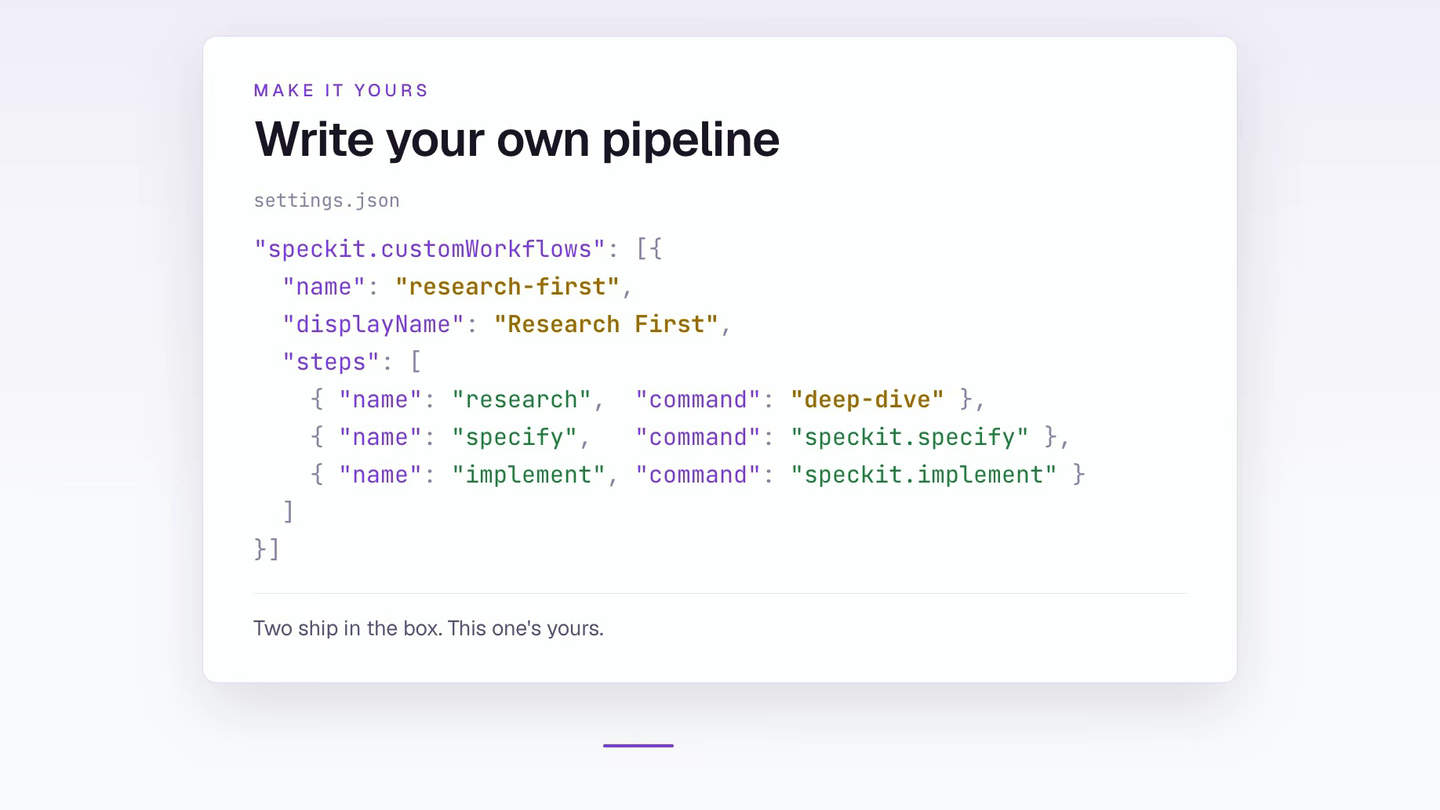
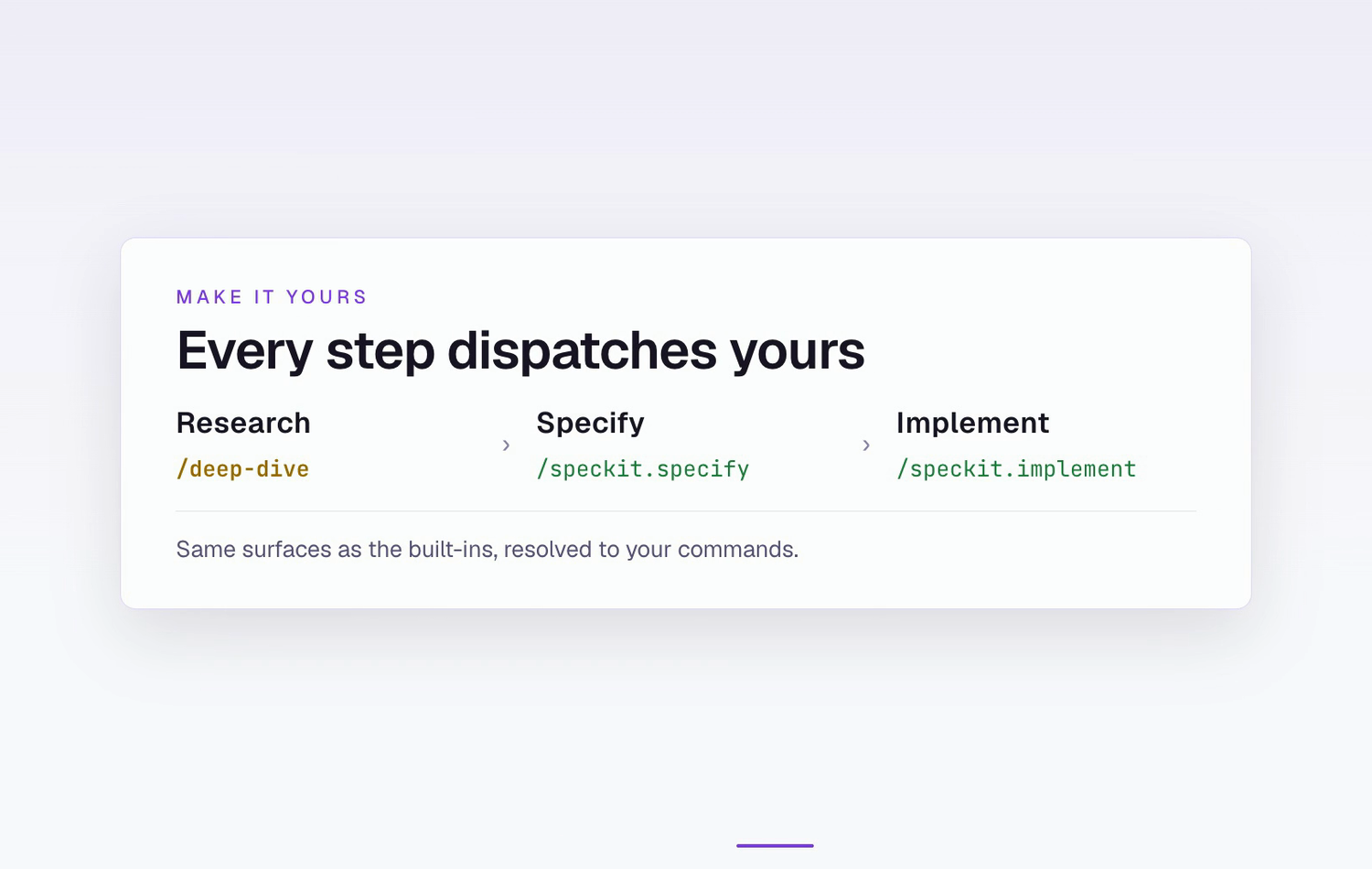
Your workflow appears in Create New Spec next to the two built-ins. The sidebar and the rail show your step names as you wrote them, so a workflow with Design and Review steps shows Design and Review. The choice is recorded on the spec when it is created, and a spec does not change workflow afterwards.
The full property list, including supporting documents, per-assistant limits and extra buttons, is in Configuration.
Custom commands
Section titled “Custom commands”Everything in speckit.customCommands appears in SpecKit: Run Custom Command.
{ "speckit.customCommands": [ "review", { "name": "pr", "title": "Create PR", "command": "/speckit.pr", "step": "tasks", "requiresSpecDir": false } ]}| Form | Becomes | Appears in |
|---|---|---|
A bare string, "review" |
/speckit.review |
The quick pick only |
| An object | The command you give |
The quick pick, and the viewer footer’s Other actions menu on the step you set |
| Property | What it does |
|---|---|
name |
Identifier. Used as the command when command is omitted. |
title |
Label in the picker. |
command |
The slash command to send. |
step |
Where it is offered: spec, plan, tasks or all (default). |
tooltip |
Hover text. |
requiresSpecDir |
Add the spec directory to the command. Default true. |
autoExecute |
Run it in the terminal automatically. Default true. |
Write ${specDir} in the command to place the spec directory yourself. Otherwise it is appended.
The Other actions menu is hidden when the spec is closed, when the footer is offering Mark Completed or Reactivate, or when the list is empty.
Reorder a Companion command
Section titled “Reorder a Companion command”These keys in .specify/companion.yml change a Companion step itself. The Workflow Builder writes them for you.
| Key | What it does |
|---|---|
commands.<name>.nodes |
Replaces a command’s node order. Dropping a node that a kept node reads from is refused. |
commands.<name>.phases |
Renames and regroups phases. A phase name becomes a hook anchor. |
commands.<name>.hooks |
Attaches your own work. See Hooks. |
workflow |
Names a file under .specify/companion/workflows/ that replaces this configuration. shipped selects none. |
A node file at .specify/companion/nodes/<command>/<node id>.md replaces the shipped node, and _frame.md in that folder replaces the step’s preamble.
Nothing executes this file. Your assistant reads it at run time. Hooks says what happens when it is missing or broken.
Related
Section titled “Related”- Spec-driven development covers the two workflows that ship.
- Workflow Builder edits
companion.ymlfrom a board. It changes the Companion steps, not a custom workflow from settings.