Switch specs with /speckit-tracker
The mod follows the most recently active spec until you tell it otherwise. /speckit-tracker is how you tell it.
What you can type
Section titled “What you can type”| You type | It does |
|---|---|
/speckit-tracker |
Opens the pane on its Specs tab, with the recent specs to pick from |
/speckit-tracker 42 or /speckit-tracker export-csv |
Follows that spec |
/speckit-tracker auto |
Goes back to following the most recently active one |
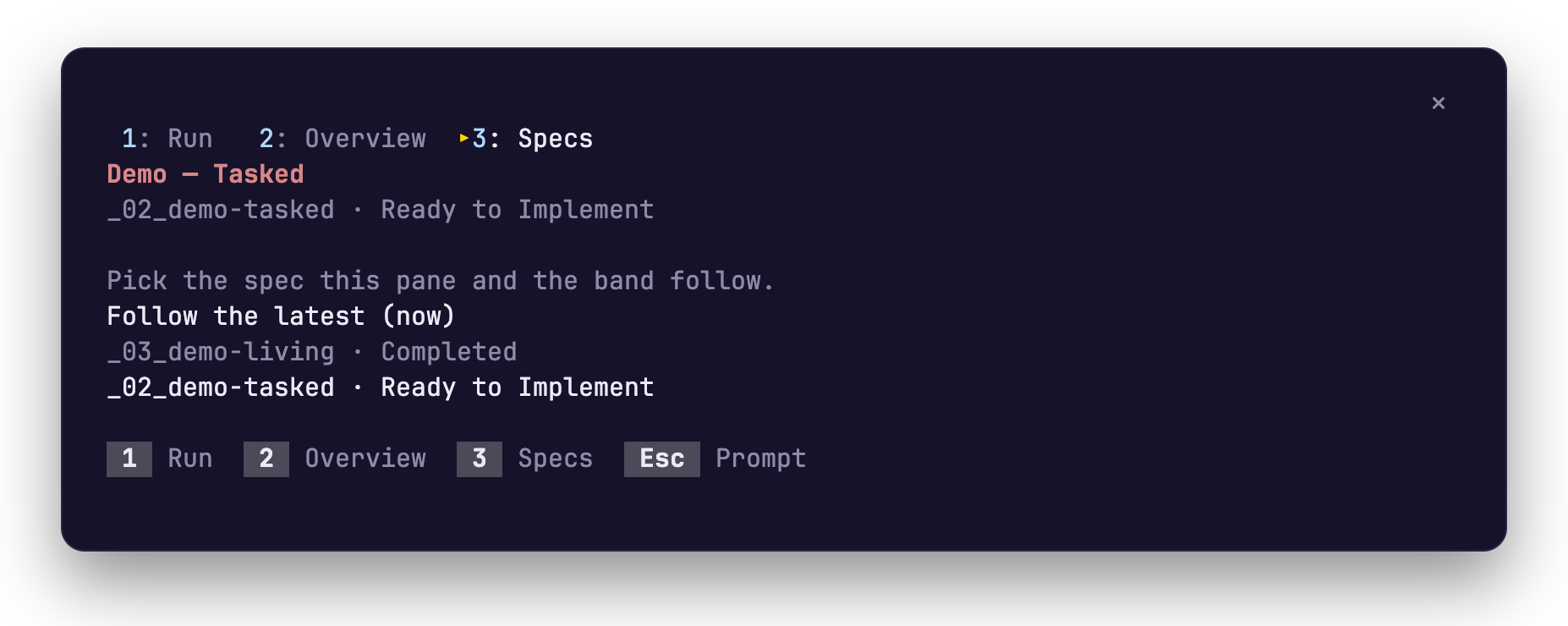
Your pick is remembered for the project. /spec is a shorter name for the same command.
Related
Section titled “Related”- What it shows covers the band and the pane.
- Install adds the mod to Claude Code.