Steering
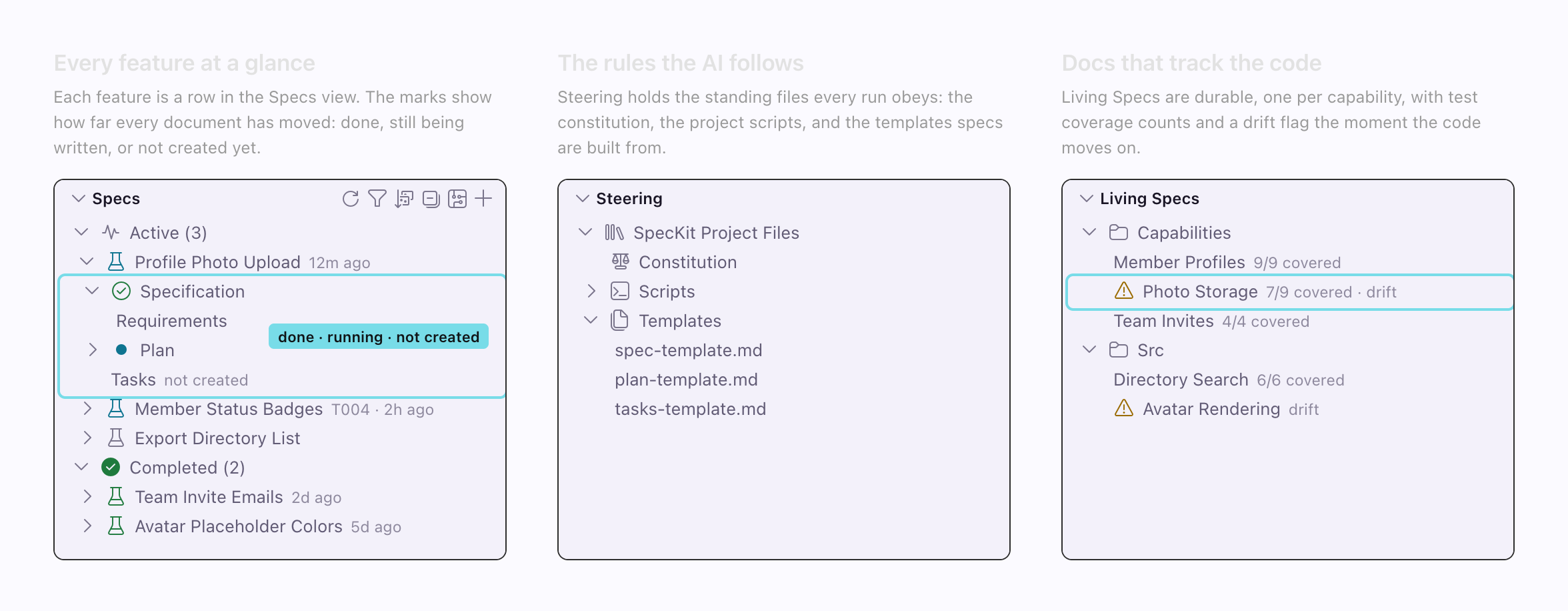
A spec says what to build this time. A steering document says how this project builds anything: conventions, architecture, testing habits. The Steering view shows the ones your assistant already reads, in one place.
Your assistant, the one you chose in speckit.aiProvider, already has a place for those. Claude Code reads CLAUDE.md, Codex and OpenCode read AGENTS.md, and the others have their own filenames. Providers lists every path. The Steering view adds no new format.
What the view shows
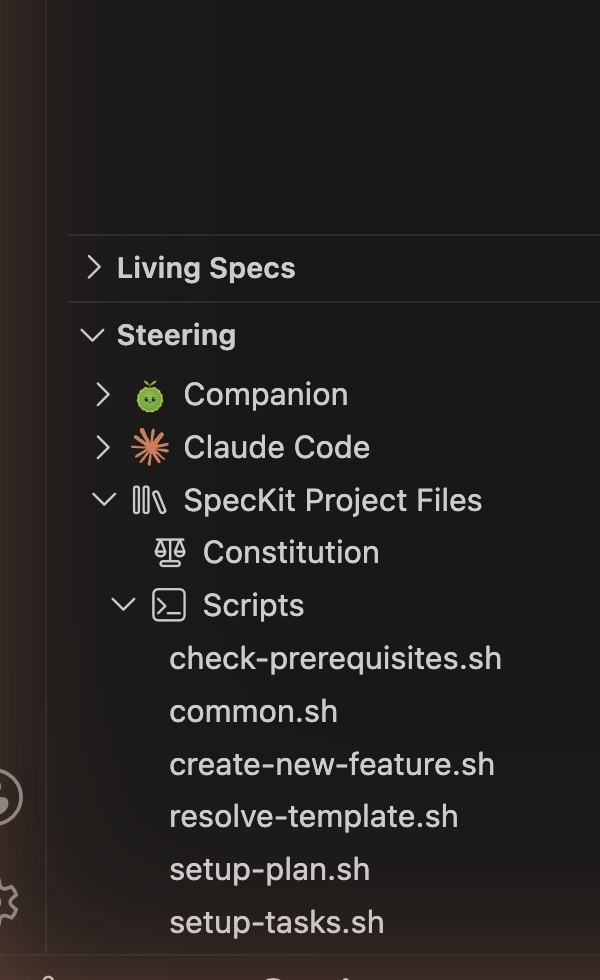
Section titled “What the view shows”Two scopes run through it. Project is this repository. User is you, on this machine, across every project.
| Section | Shows when |
|---|---|
| Companion | The Companion Spec Kit extension is installed |
| Your assistant | Always. Holds Project and User groups for the rule file, Agents, Skills and Settings. |
| Steering Docs | Your assistant has a steering directory with at least one document |
| SpecKit Project Files | A constitution, script or template exists |
| References | A custom workflow declares reference folders that exist |
A missing section means that thing does not exist in this project yet. With IDE Chat there is no assistant-owned configuration, so those sections are empty.
What you can do
Section titled “What you can do”Every action builds a prompt and hands it to your assistant.
| Action | What happens |
|---|---|
| New Steering Document | Your assistant writes a markdown file into the steering directory |
| Refine | Your assistant improves the document in place |
| Delete Steering | The file is removed, then your assistant cleans up references to it |
| Create Project Rule, Create User Rule | Creates or opens your assistant’s own rule file, named as it really is, for example GEMINI.md |
Refine and Delete appear only on Steering Docs and References. Assistant files and Spec Kit files can be opened and revealed, never deleted from the tree.
SpecKit Companion does not read them
Section titled “SpecKit Companion does not read them”Nothing under Steering is read when a step is sent. The command carries the spec, not your rules. Your assistant reads its own file on its own, so a rule that is ignored is a question for the assistant. The view can show you CLAUDE.md. It cannot make the assistant follow it.
The Companion node
Section titled “The Companion node”With the Companion Spec Kit extension installed, a Companion node comes first.
| Row | Opens |
|---|---|
| Configuration | .specify/companion.yml. See Hooks. |
| Commands | The /speckit.companion.* set from the installed extension |
| Templates | The extension’s markdown templates. Hidden when there are none. |
Related
Section titled “Related”- Constitution is the one steering file Spec Kit itself defines.
- Review with comments shapes one spec, where steering shapes all of them.