Converge
/speckit.convergeType it in your assistant after implement, or press Converge in the viewer footer once the build is done.

Converge is Spec Kit’s own command. It checks the code against one feature’s spec, plan and task list.
| What it finds | What it does |
|---|---|
| Something is missing | Appends a Convergence phase of new tasks to tasks.md |
| Nothing is missing | Reports “Converged” |
You run implement and converge again until it converges.
Start it from Companion New
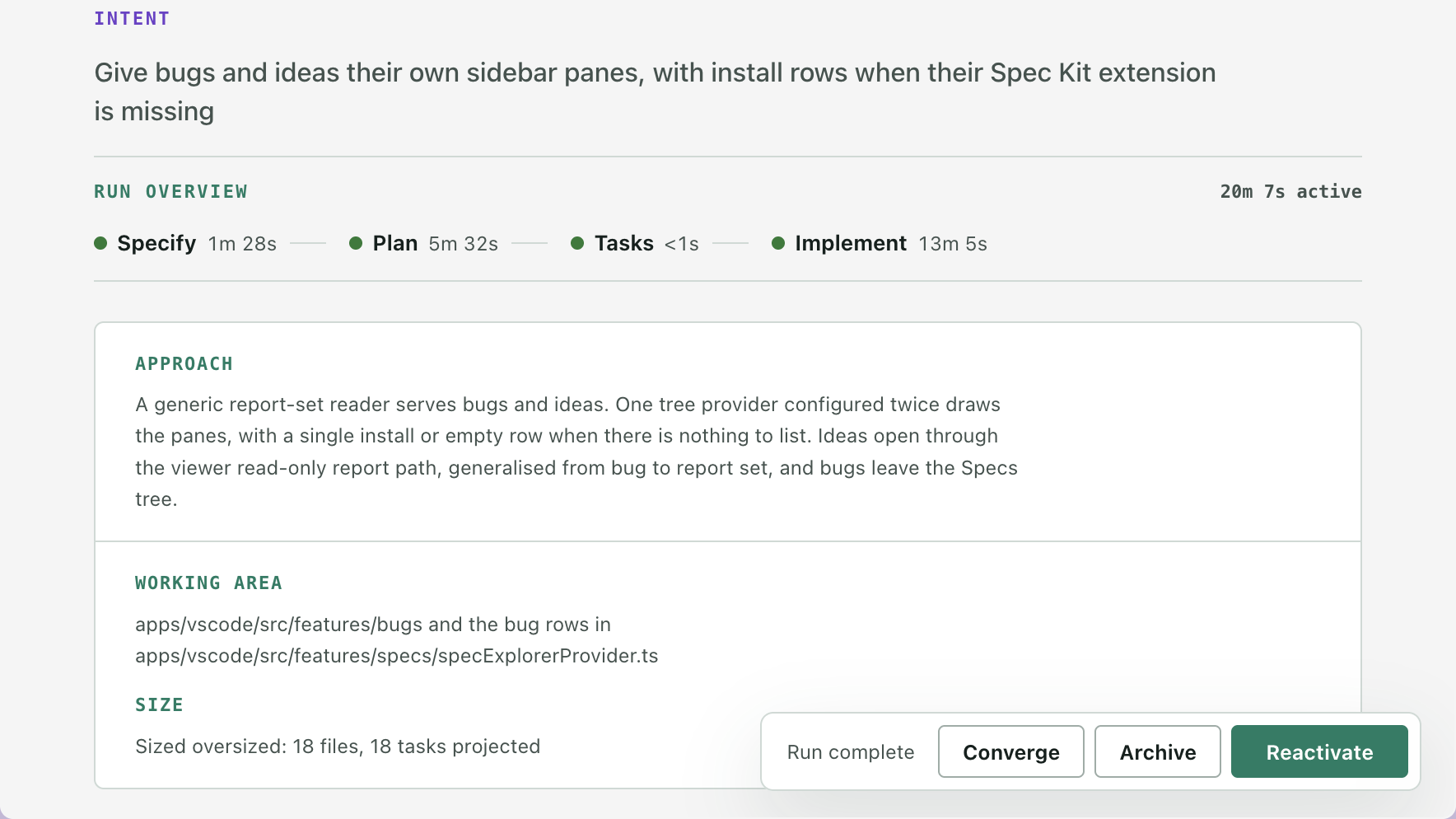
Section titled “Start it from Companion ”Once a spec’s build is done, the viewer footer has a Converge button, and the spec’s row menu in the sidebar has Converge too. Either one sends the command to your assistant and names the spec. Spec Kit works on the feature of your current branch, so the assistant is asked to stop if that is a different one.
In the viewer
Section titled “In the viewer”What you see
While converge runs, the Tasks entry in the rail shows it running, with its timer. Afterwards the Overview lists Converge after Implement, with how long it took.
The timing needs the Companion Spec Kit extension. Only the first converge pass is timed.
What it leaves alone
Section titled “What it leaves alone”Converge never changes the spec’s status. A spec that ran converge still offers Mark Completed and Archive.
Converge is not a living-spec check
Section titled “Converge is not a living-spec check”Converge closes the gap between the code and one feature’s own documents. Drift and sync, in Living specs, keep the lasting capability specs honest across every feature. A spec that converged can still leave a capability spec out of date.