Constitution
/speckit.constitutionOr click Configure Constitution in the Specs view, or run SpecKit: Constitution from the command palette.
The constitution holds the rules every spec in this project is held to: how you test, what you keep simple, what you never do. You write it once per project. It is Spec Kit’s own step and file, and it lives at .specify/memory/constitution.md.
When you are asked for it
Section titled “When you are asked for it”specify init creates the file as a template full of placeholders. While the placeholders are still there, SpecKit Companion asks you to fill it in.
| Where | What you see |
|---|---|
| Specs view | “Configure your project principles to guide AI-assisted development”, with Configure Constitution and Create New Spec |
| A notification when the project opens | “SpecKit detected! Configure your project principles by running /speckit.constitution”, with Run Setup and Dismiss |
Both send /speckit.constitution to your assistant, which asks about your project and writes the file. You can skip it and create a spec first. The prompt stays until the placeholders are gone.
What you see
Once the file has real content, the Specs view drops the prompt and offers Create New Spec and Open a live sample.
Where it shows afterwards
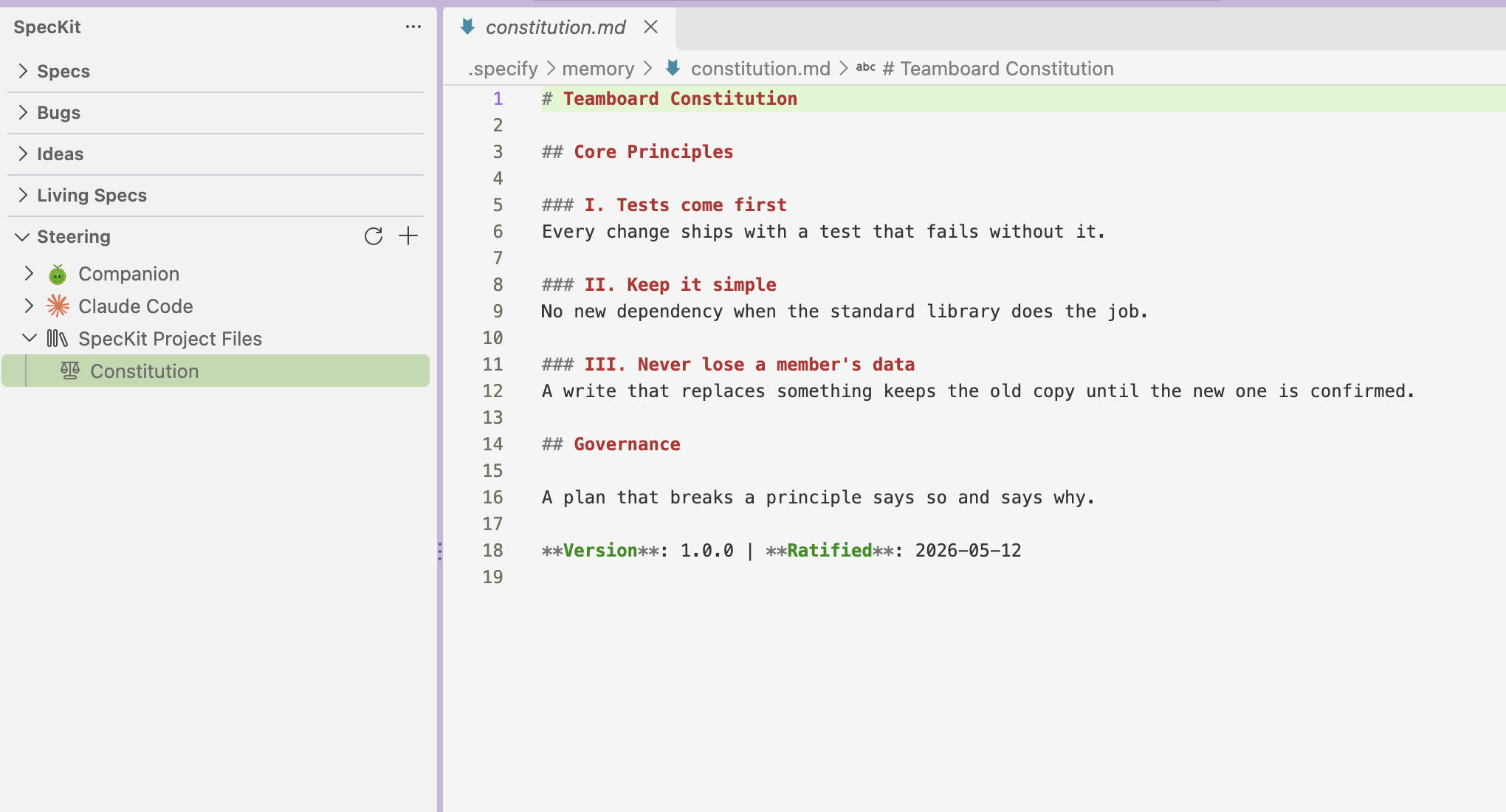
Section titled “Where it shows afterwards”The Steering view lists it as Constitution under SpecKit Project Files. Click it to open the file.
What reads it
Section titled “What reads it”Your assistant does, when a step runs. The plan step checks its design against the constitution and records the result in plan.md.