Plan
/speckit.companion.planOr press Plan in the viewer footer. The stock Spec Kit workflow sends /speckit.plan.
Plan reads the spec and decides how to build it: the approach, the files and structure involved, and the technical choices. This is where technology enters. The spec stays about what and why.
What it writes
Section titled “What it writes”| File | What is in it |
|---|---|
plan.md |
A summary, a check against the constitution, and the project structure |
research.md |
What the assistant looked up, and what it chose |
data-model.md |
The entities and their fields |
contracts/ |
Interfaces the change exposes |
Only plan.md is always written. The Companion workflow writes the others as the size of the change warrants. For a change sized simple, it keeps the summary and folds the rest into it, and Specify has usually written that short plan already.
When living specs are on, plan reads the specs for the capabilities in scope before it designs anything.
While it runs, and after
Section titled “While it runs, and after”What you see
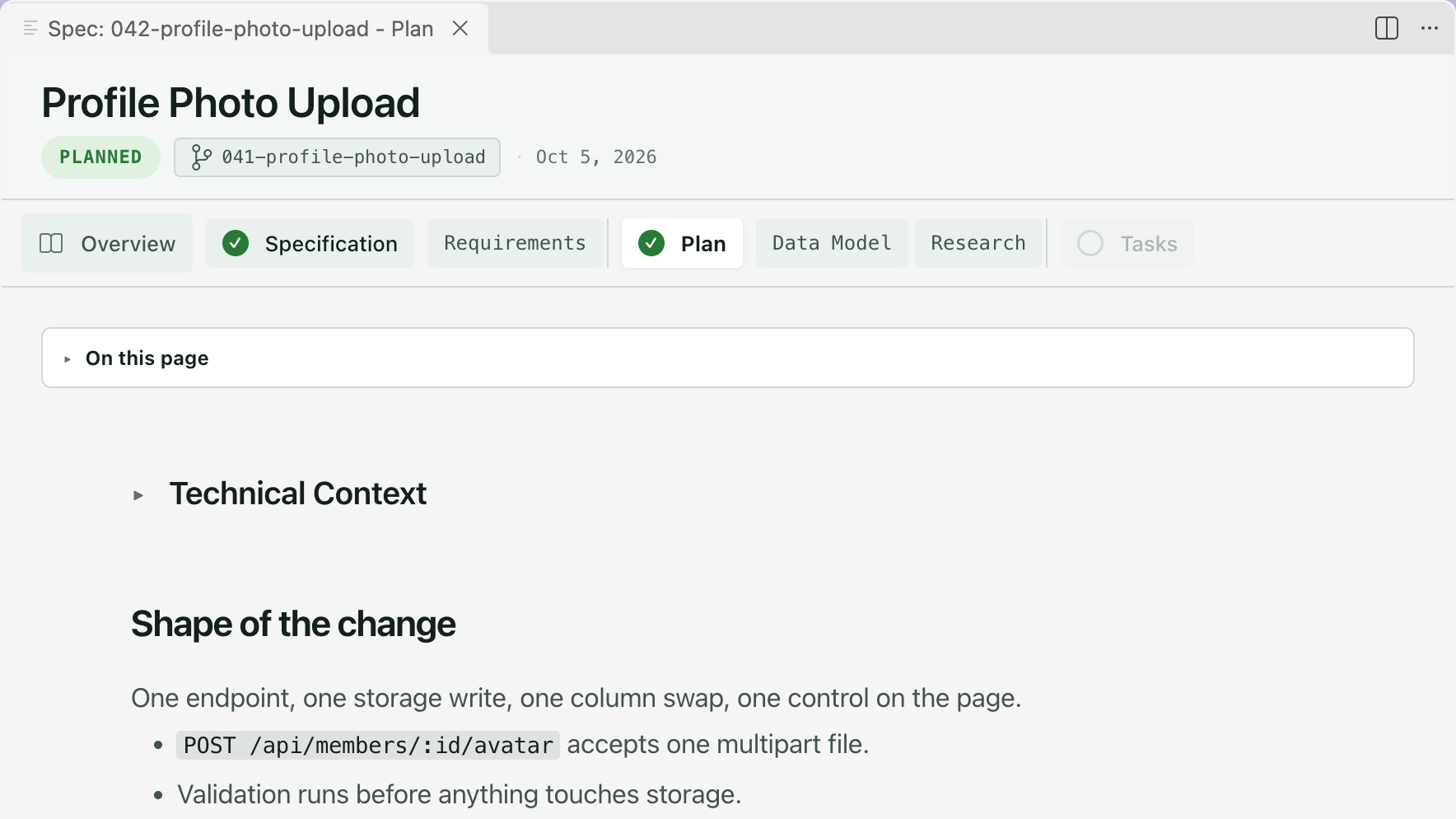
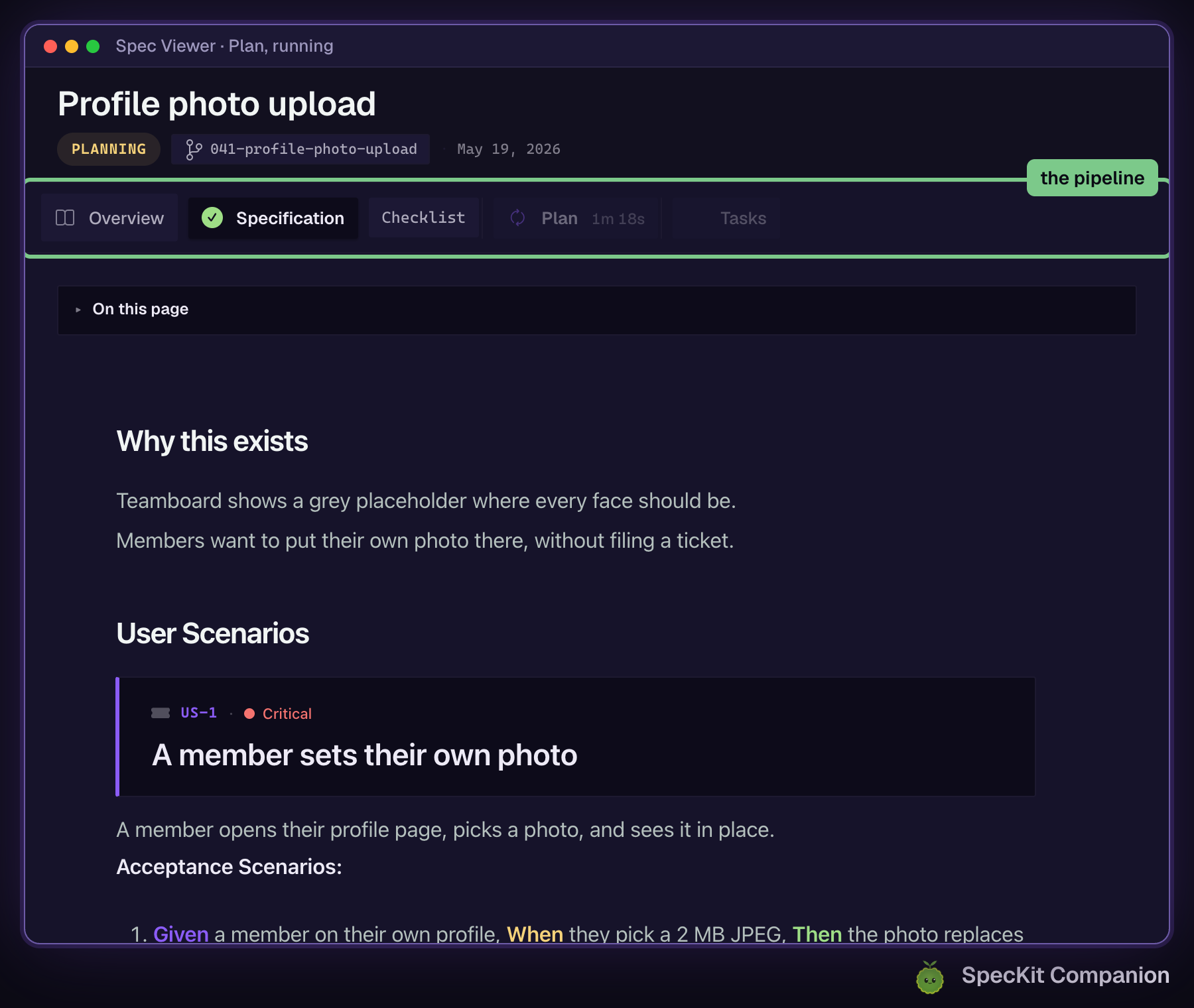
The Plan tab spins and keeps time while the step runs. When it settles, Plan is checked, the badge reads Planned, and the supporting documents sit under Plan in the rail. The footer offers Next: Tasks.
Check the plan before moving on
Section titled “Check the plan before moving on”Checklist, under Other actions in the footer, is Spec Kit’s command for a quality checklist on the plan. If you edit the spec after the plan was written, the plan shows a stale banner with Regenerate.
Related
Section titled “Related”- Review with comments works on the plan the same way it does on the spec.
- Tasks is the next step.