Supported AI providers
Pick the AI assistant that runs your spec commands with Settings > speckit.aiProvider (default claude). SpecKit Companion sends commands to the assistant you already use, and this page lists how each one is reached and which files it reads.
Spec Kit records the assistant a project was set up for in .specify/integration.json. If it names a different assistant than your setting, Companion says so when it starts and offers Switch to that assistant or Keep yours. It never changes the provider on its own: Switch updates speckit.aiProvider and takes effect after a reload, and Keep (or closing the message) means it will not ask again about that pair in this project.
How each one is reached
Section titled “How each one is reached”Provider (aiProvider value) |
Runs as |
|---|---|
Claude Code (claude) |
claude in a terminal |
Claude Code (VS Code) (claude-vscode) |
The Claude Code panel, no terminal |
GitHub Copilot CLI (copilot) |
ghcs / gh copilot in a terminal |
Gemini CLI (gemini) |
gemini in a terminal |
Codex CLI (codex) |
codex in a terminal |
Qwen Code (qwen) |
qwen in a terminal |
OpenCode (opencode) |
opencode in a terminal |
IDE Chat (ide-chat) |
Your editor’s built-in chat (Copilot, Composer, Cascade) |
Wibey CLI (wibey) |
wibey in a terminal |
Wibey (VS Code) (wibey-vscode) |
The Wibey chat panel, no terminal |
Antigravity (antigravity) |
agy in an interactive terminal |
Oh My Pi (omp) |
omp in a terminal |
What each one reads
Section titled “What each one reads”Paths are relative to your project. IDE Chat owns none of these.
| Provider | Steering file (rules your AI always follows) | Steering folder | Agents | Skills | Hooks | MCP config |
|---|---|---|---|---|---|---|
| Claude Code, and in VS Code | CLAUDE.md |
.claude/steering/ |
.claude/agents/*.md |
.claude/skills/ |
.claude/settings.json |
.claude/settings.json |
| GitHub Copilot CLI | .github/copilot-instructions.md |
.github/instructions/*.instructions.md |
.github/agents/*.agent.md |
none | none | .copilot/mcp-config.json |
| Gemini CLI | GEMINI.md |
none | none | none | none | .gemini/settings.json |
| Codex CLI | AGENTS.md |
.codex/ |
none | .agents/skills/ |
none | ~/.codex/config.toml |
| Qwen Code | QWEN.md |
.qwen/steering/ |
none | none | none | .qwen/settings.json |
| OpenCode | AGENTS.md |
none | .opencode/agent/*.md |
none | none | .opencode/opencode.jsonc |
| Wibey, CLI and VS Code | AGENTS.md |
none | .wibey/agents/*.md |
.wibey/skills/ |
.wibey/hooks/hooks.json |
.wibey/.mcp.json |
| Antigravity | AGENTS.md |
none | none | none | none | none |
| Oh My Pi | AGENTS.md |
none | .omp/agents/*.md |
.omp/skills/ |
.omp/hooks/pre/*.ts, .omp/hooks/post/*.ts |
.omp/mcp.json |
The Steering view reads user-level MCP config from your home folder at the same relative path. Permission behavior is a separate setting: see Configuration.
IDE Chat
Section titled “IDE Chat”IDE Chat sends the prompt to your editor’s chat instead of a terminal. The chat has to recognize /speckit.*, so run SpecKit: Initialize Workspace (specify init) first. When the workspace is initialized, the prompt is submitted. When it is not, the prompt is only prefilled, with a warning. Dispatch is one-way: nothing is read back.
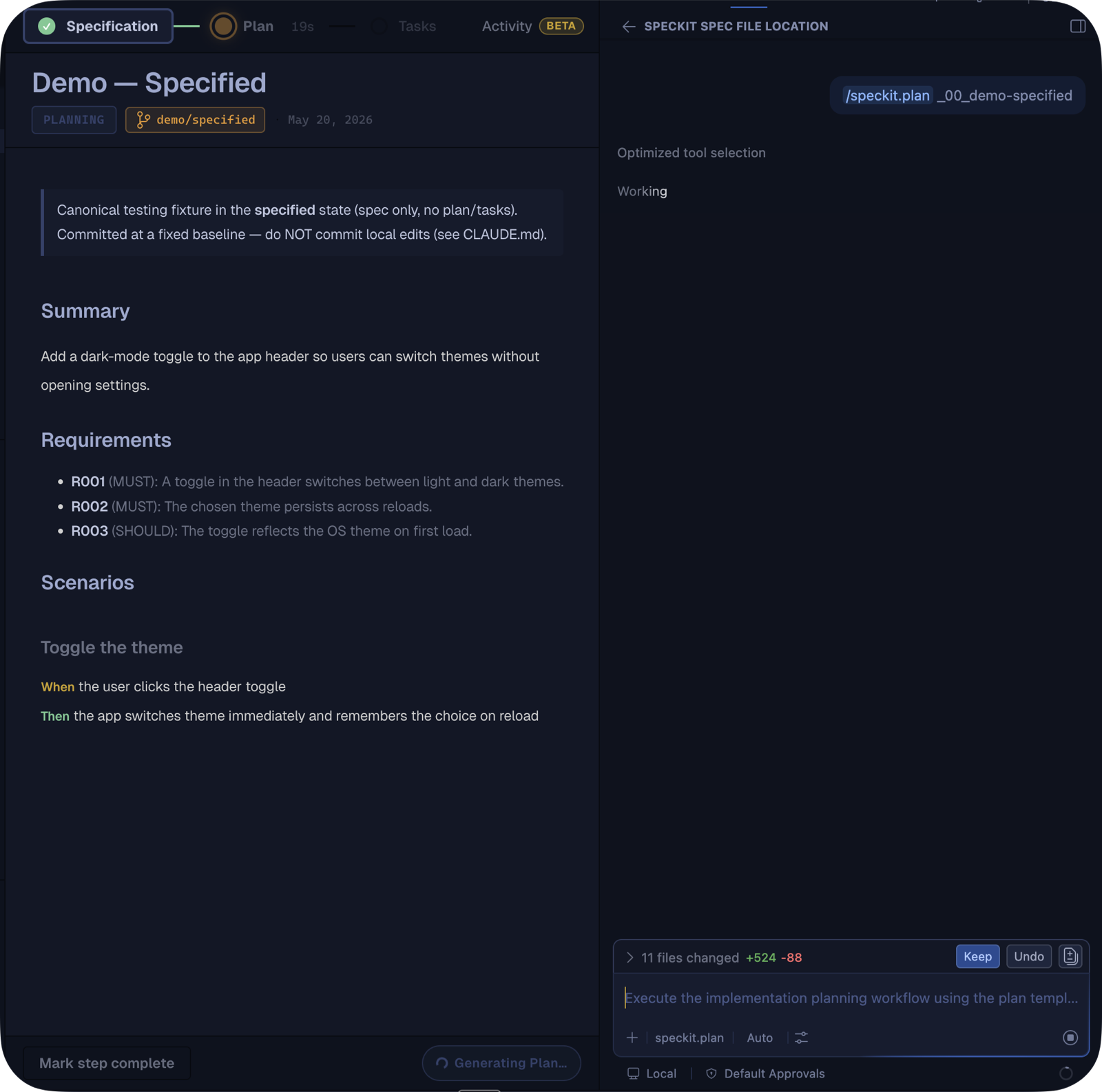
Claude Code (VS Code)
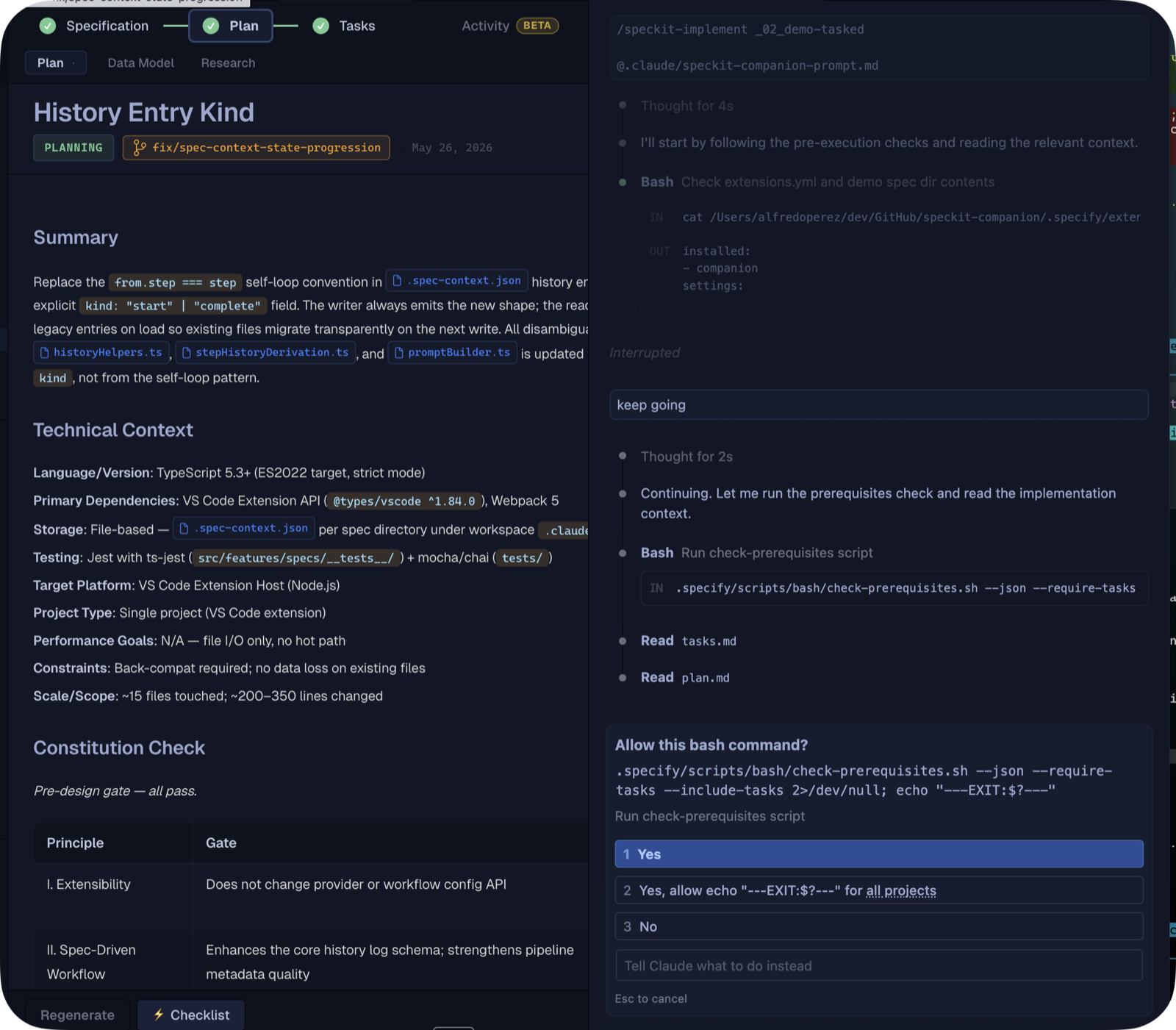
Section titled “Claude Code (VS Code)”This opens the Claude Code panel through its URI handler and prefills the command. The panel has no programmatic submit, so press Enter to run it. It shares the .claude/ setup of the terminal provider. It needs the Claude Code extension, and suggests terminal claude if it is missing.
GitHub Copilot app
Section titled “GitHub Copilot app”The GitHub Copilot app is not an aiProvider value, because it works the other way round. A board opens as a canvas beside the chat there, and its buttons send the same /speckit.* commands into that chat. See In the Copilot app.
Claude Code terminal
Section titled “Claude Code terminal”Running the commands yourself in the Claude Code terminal needs no setting here. In Claude Code adds a mod that keeps the run in view.
Related
Section titled “Related”Steering shows where these files appear in the sidebar.