Tasks
/speckit.companion.tasksOr press Tasks in the viewer footer. The stock Spec Kit workflow sends /speckit.tasks.

Tasks turns the plan into tasks.md, a checklist in the order the work has to happen. It is the map Implement follows.
How the list is laid out
Section titled “How the list is laid out”In tasks.md |
Meaning |
|---|---|
## Phase N: Title |
A phase. The Companion workflow makes one per user story, after a shared setup. |
- [ ] T004 ... |
One task, with its checkbox |
[P] |
The task can run alongside its neighbours |
[US2] |
The user story the task serves |
| A join line between groups of tasks | Everything above it must finish before anything below starts |
The Companion workflow groups each phase into waves separated by those join lines. Tasks inside a wave are independent of each other.
When it settles
Section titled “When it settles”What you see
Tasks is checked in the rail and the badge reads Tasks Created. The Tasks tab draws each phase as a header with its tasks under it, and the footer offers Next: Implement.
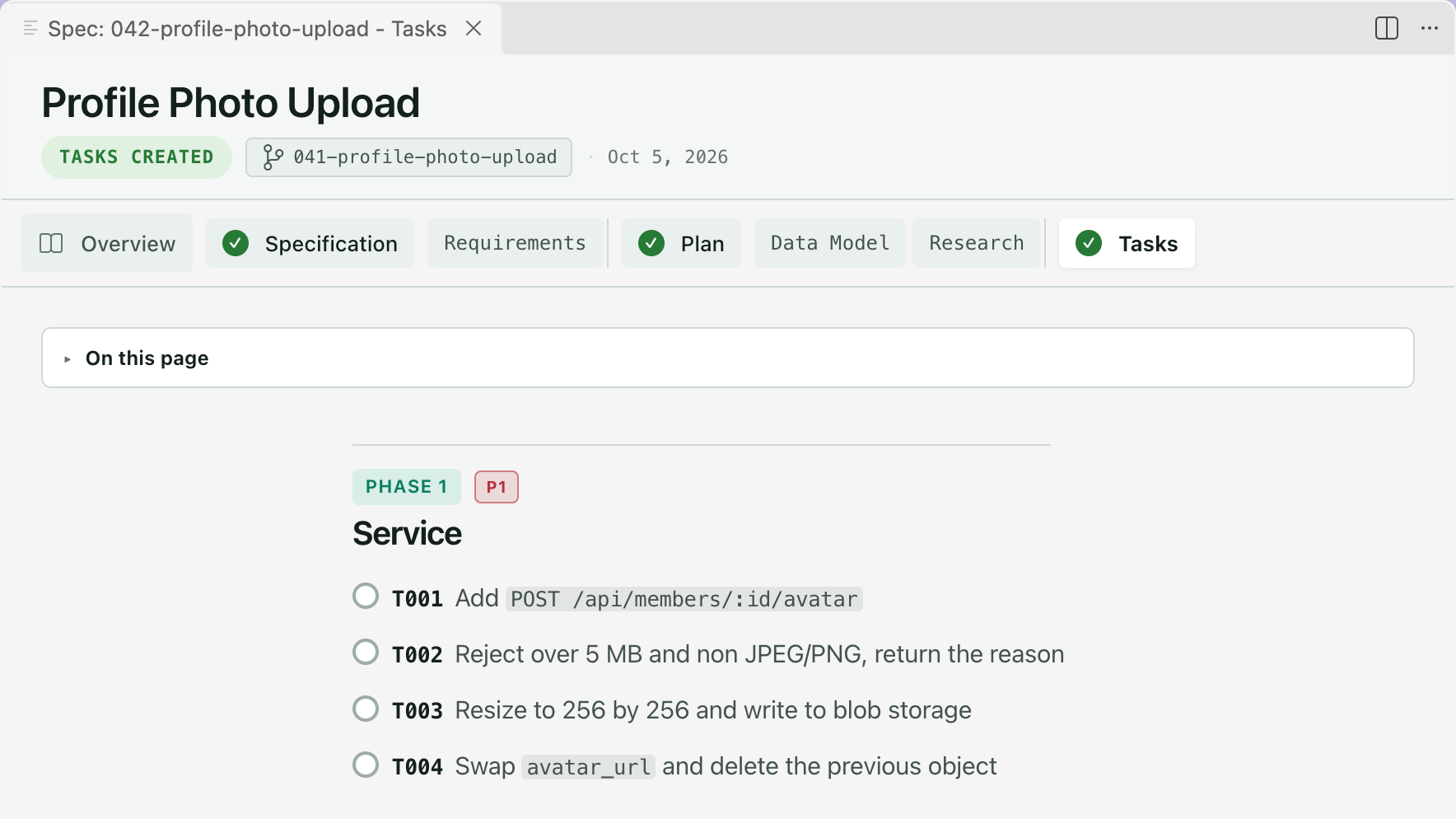
Check the list before implementing
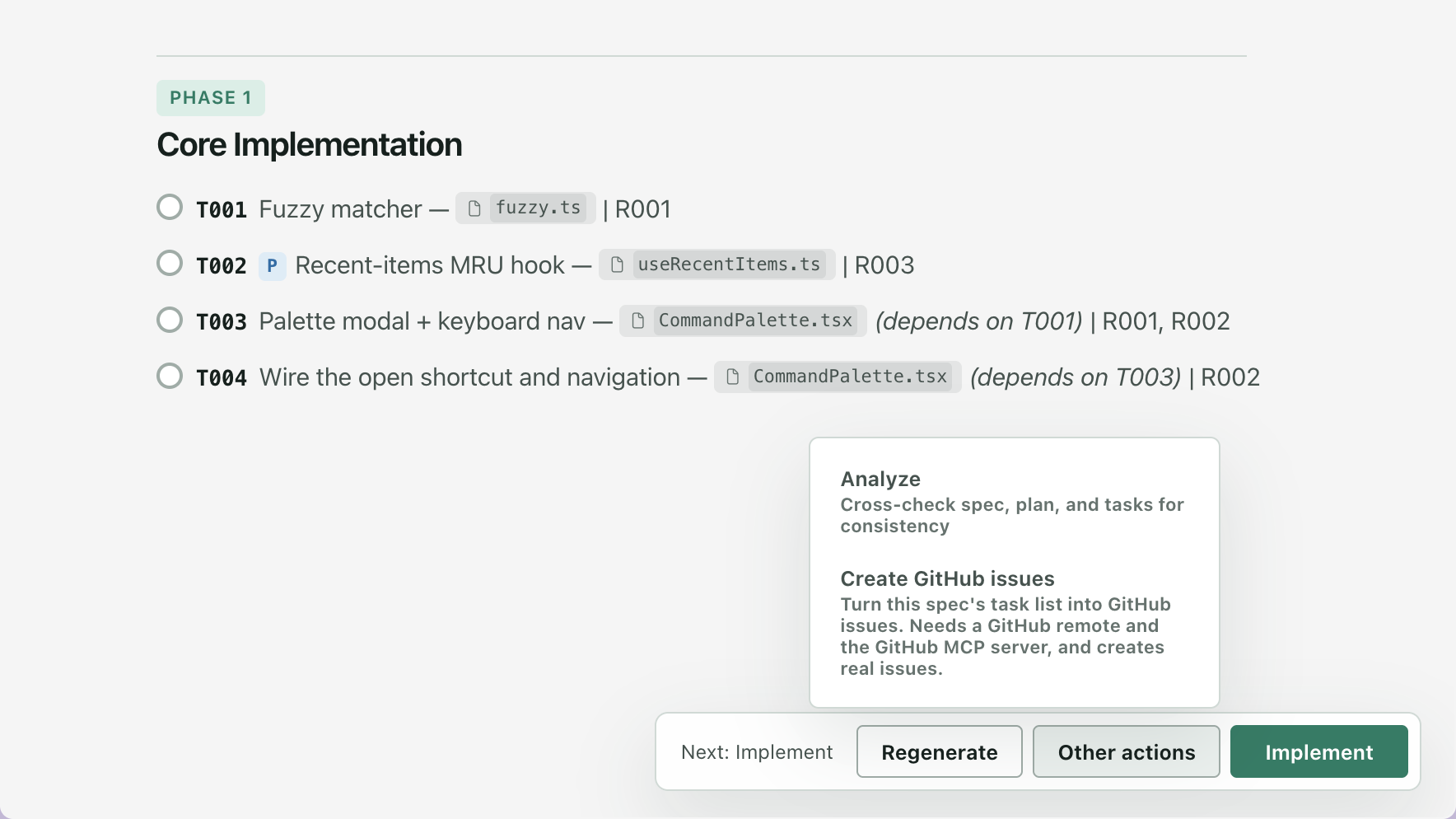
Section titled “Check the list before implementing”Analyze, under Other actions in the footer, is Spec Kit’s command that cross-checks the spec, the plan and the tasks for consistency.
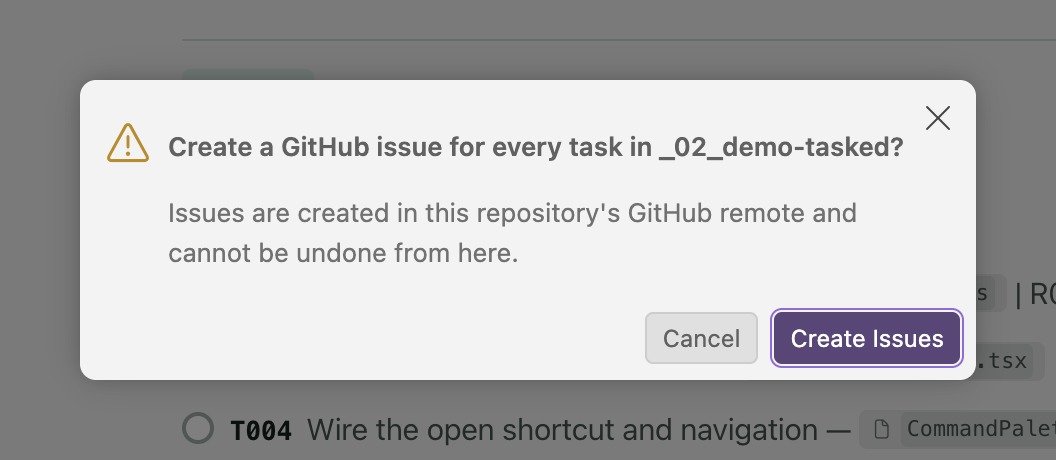
Create GitHub issues, in the same menu, sends Spec Kit’s /speckit.taskstoissues: one GitHub issue per task. Run it when the task list is settled. Spec Kit works on the feature of your current branch; Companion names this spec’s tasks file in the request and asks the assistant to stop if the two differ.
Related
Section titled “Related”- Implement is the next step.
- Reading a spec lists everything the viewer draws from a task list.